
Exploring a Key Benefit of Using AWS Serverless Computing
AWS serverless architecture has gotten complicated with all the services, design patterns, and best practices flying around. As someone who has built and deployed dozens of serverless applications in production, I learned everything there is to know about why serverless is transforming how we build cloud applications. Today, I will share it all with you.
The biggest benefit of serverless computing — and I’d argue this is the one that changes everything — is that it completely eliminates server management from your workflow. No OS patches. No capacity planning. No 3 AM alerts because a server ran out of disk space. You write code, deploy it, and AWS handles everything else. But that surface-level description doesn’t capture the full impact, so let me dig deeper.
Flexibility and Scalability
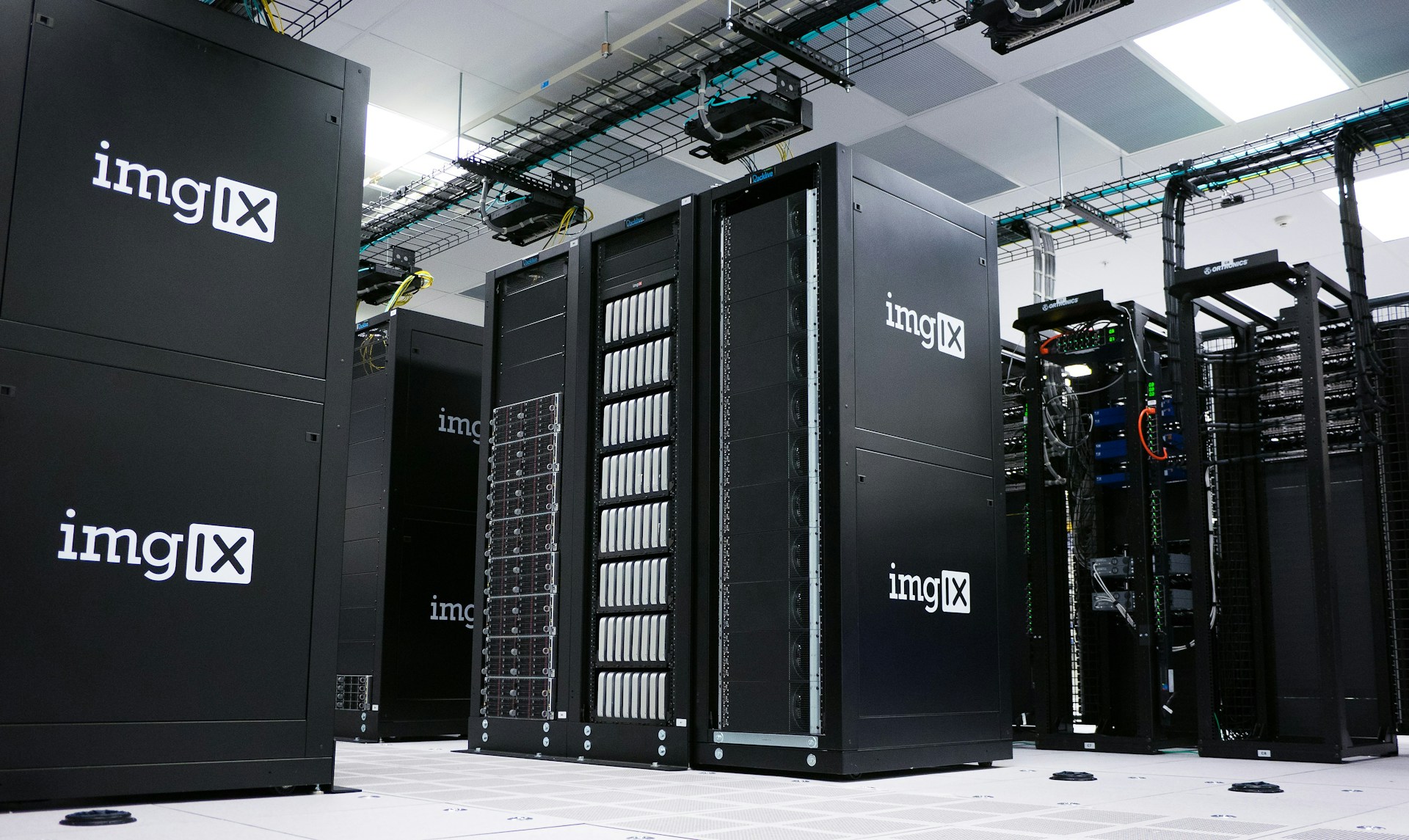
Probably should have led with this section, honestly. The scalability story of serverless is what sold me initially. With Lambda, your application automatically scales from zero to thousands of concurrent executions without any configuration from you. When nobody is using your application, you’re running zero compute. When traffic spikes, Lambda spins up as many instances as needed. When traffic drops, it scales back down. All automatically.
I’ve built APIs that handle 10 requests per day during development and 10,000 requests per second during flash sales — with the exact same code and the exact same configuration. No Auto Scaling policies to tune, no minimum instance counts to maintain, no capacity planning spreadsheets. The infrastructure adapts to the workload, not the other way around.
Compare this to EC2 or even containers where you need to decide upfront how many instances to run, set scaling thresholds, test scaling behavior, and hope your estimates are close enough. With serverless, the question of “how many servers do I need?” simply disappears.
Cost Efficiency
That’s what makes serverless endearing to us cloud engineers who care about budgets — you only pay for what you use, measured in milliseconds. A Lambda function that runs for 200ms and processes one request costs a fraction of a penny. Compare that to an EC2 instance running 24/7 at $50-100/month, most of which is sitting idle waiting for requests.
I migrated an internal API from EC2 instances behind an ALB to Lambda and API Gateway. The EC2 setup cost about $180/month. The serverless equivalent cost $12/month for the same traffic volume. And the serverless version handled traffic spikes without any additional configuration, which the EC2 version required manual scaling for.
The cost model particularly shines for workloads with variable or unpredictable traffic. Event-driven processing, batch jobs, scheduled tasks, and APIs with fluctuating traffic all benefit enormously from pay-per-execution pricing. You’re not paying for idle resources, ever.
That said, serverless isn’t always cheaper. For consistently high-throughput workloads that run 24/7, the per-request pricing can actually exceed the cost of provisioned compute. I always model costs before deciding between serverless and traditional architectures for steady-state workloads.
Time Savings for Developers
The developer productivity gains from serverless are often underestimated. Without server management responsibilities, your team focuses entirely on business logic. No more Linux administration, no package updates, no Nginx configuration, no SSL certificate management on instances, no AMI baking pipelines.
In my experience, serverless reduces the time from idea to production by 40-60%. A feature that would take a week on traditional infrastructure — because you need to provision instances, configure load balancers, set up monitoring, and deploy code — takes two days with serverless because the only work is writing the application code and defining the infrastructure in SAM or CloudFormation.
This isn’t theoretical. I tracked development timelines across similar projects using serverless versus traditional architectures. The serverless projects consistently shipped faster, required less operational support after launch, and allowed the team to spend more time on features versus infrastructure maintenance.
Reduced Operational Complexity
Operational complexity is the hidden tax that traditional infrastructure imposes on your team. Every server is a potential source of incidents: disk space running low, memory leaks, zombie processes, expired certificates, failing health checks, outdated packages with security vulnerabilities.
With serverless, most of these operational concerns simply don’t exist. AWS manages the underlying compute infrastructure, applies security patches, handles capacity, and monitors the execution environment. Your operational responsibilities shrink to application-level concerns: monitoring your business logic, managing your DynamoDB tables, and keeping your API Gateway configuration correct.
I’ve run serverless applications for over two years with zero infrastructure-related incidents. Zero. The only issues we’ve encountered were application logic bugs, which are much easier to debug than infrastructure problems because the surface area is smaller and the observability through CloudWatch is excellent.
Event-Driven Architecture
Serverless naturally promotes event-driven architecture, which is one of the most powerful patterns in modern cloud computing. Lambda functions can be triggered by over 200 different event sources: S3 uploads, DynamoDB streams, SQS messages, SNS notifications, API Gateway requests, CloudWatch Events, IoT messages, and many more.
This event-driven model enables loosely coupled architectures where services communicate through events rather than direct API calls. When a user uploads an image to S3, that triggers a Lambda function that generates a thumbnail, which writes to DynamoDB, which triggers another Lambda function that sends a notification. Each step is independent, scalable, and deployable separately.
I’ve built data processing pipelines using this pattern that handle millions of events daily with remarkable reliability. If one component fails, the events queue up in SQS and get reprocessed when the component recovers. Built-in retry logic and dead letter queues ensure no data is lost even during transient failures.
The Serverless Stack
A typical serverless application on AWS uses this combination of services:
- AWS Lambda: Your application logic, triggered by events
- Amazon API Gateway: REST and WebSocket API management
- Amazon DynamoDB: NoSQL database with single-digit millisecond performance
- Amazon S3: Object storage for static assets and file uploads
- Amazon Cognito: User authentication and authorization
- Amazon SQS/SNS: Messaging for decoupling and async processing
- AWS Step Functions: Workflow orchestration for complex multi-step processes
- Amazon CloudFront: CDN for frontend distribution
These services work together seamlessly because they’re all managed, all scalable, and all integrated through AWS’s event system. No glue code needed to connect them — just IAM permissions and event mappings.
When Not to Use Serverless
I’d be irresponsible if I didn’t mention the scenarios where serverless isn’t the right fit:
- Long-running processes: Lambda has a 15-minute execution timeout. If your workload needs to run for hours, use ECS Fargate or EC2.
- High-throughput steady-state workloads: Constant high traffic may be cheaper on provisioned compute.
- Applications requiring specific OS or runtime configurations: Lambda supports specific runtimes and environments. Container-based deployments offer more flexibility.
- Latency-sensitive applications: Cold starts add latency to the first invocation. Provisioned concurrency mitigates this but adds cost.
Conclusion
Serverless computing on AWS fundamentally changes the economics and operations of running applications in the cloud. The combination of automatic scaling, pay-per-use pricing, zero server management, and event-driven architecture creates a development model that’s faster, cheaper, and more reliable for a wide range of workloads. It’s not perfect for everything, but for the workloads it fits, it’s transformative. I’ve never met a team that went serverless and wanted to go back to managing servers.



Stay in the loop
Get the latest wildlife research and conservation news delivered to your inbox.